Apple TestFlight
Install TrackMyIVF in 3 steps
Start here on your iPhone. No invitation email, matching email, or redemption code is needed.
1Install Apple TestFlight
Download Apple's free TestFlight app from the App Store.
Get Apple TestFlight2Open TrackMyIVF in TestFlight
Tap the public Apple link on the iPhone where you want TrackMyIVF.
Open TrackMyIVF in TestFlight3Tap Accept, Install, then Open
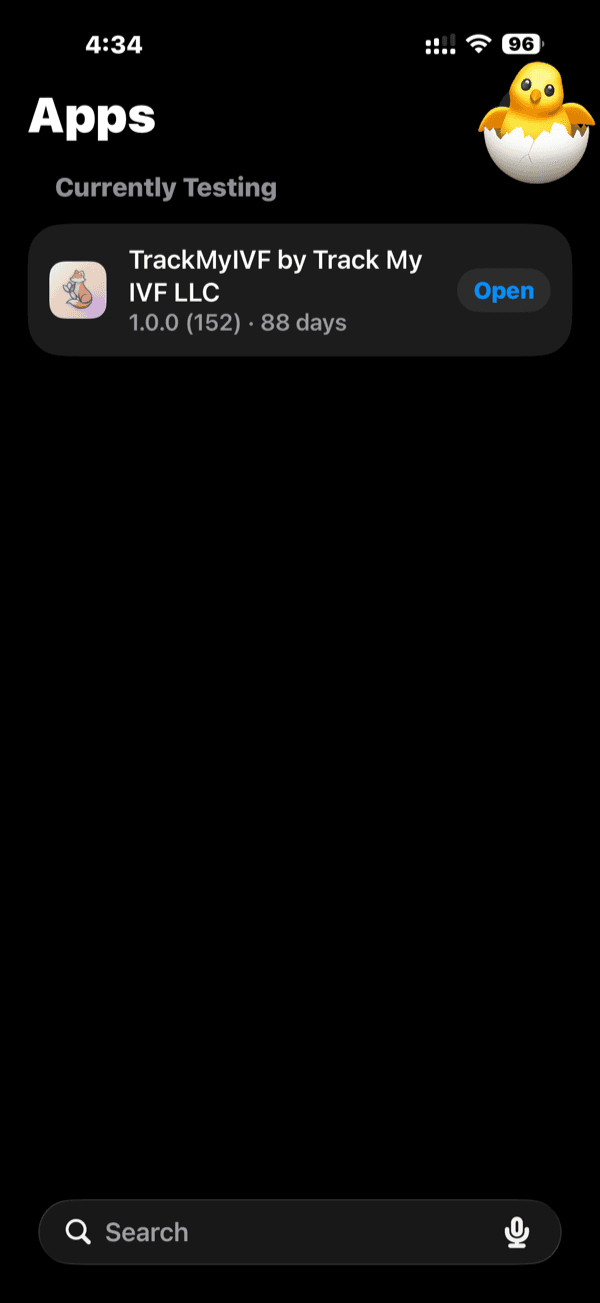
First-time testers see Accept and Install. If you have a previous build, Apple may show Update or Open instead.
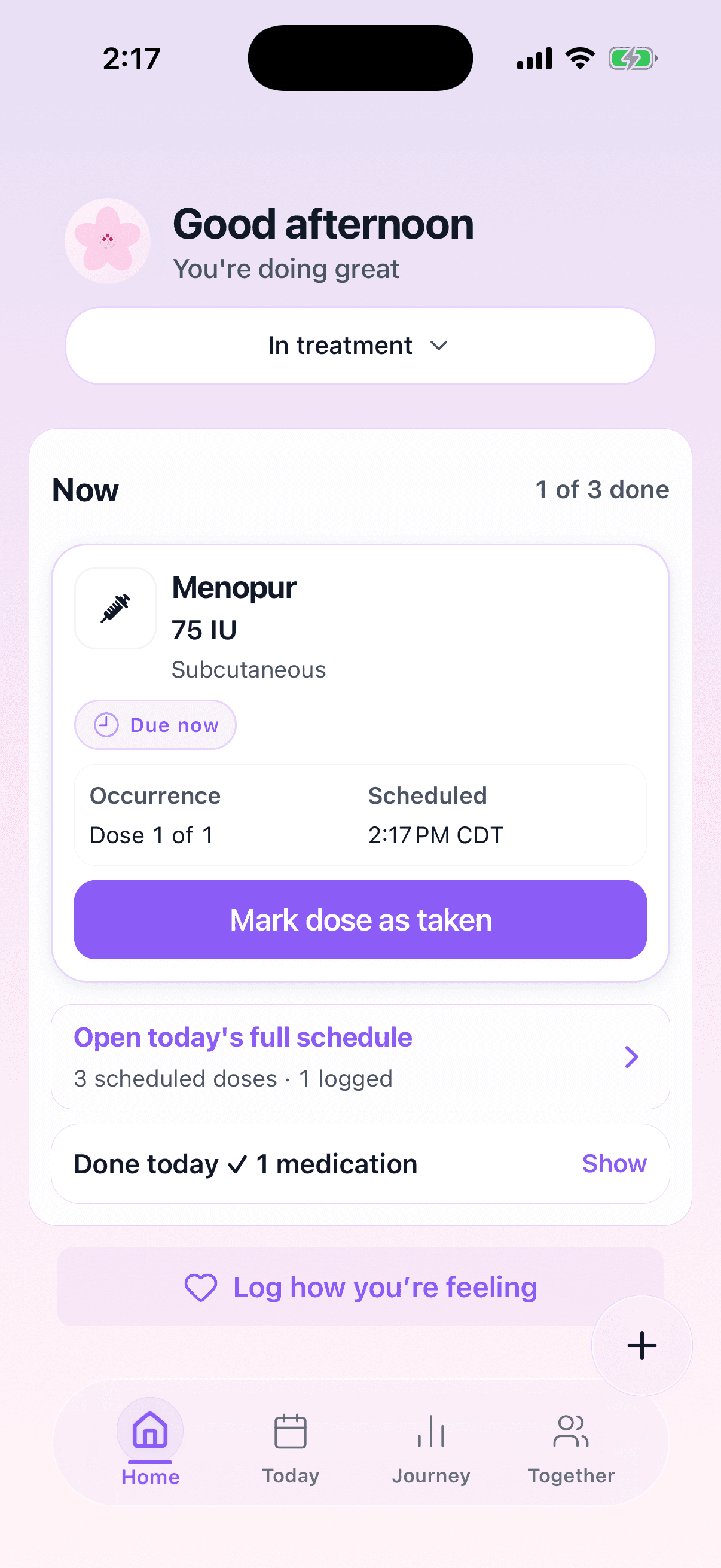
TrackMyIVF is currently available only on an iPhone running iOS 16 or later. It is not available for iPad, Android, or computers.
Want the install link in your inbox?
Optional. Installation is available now without entering an email.
Optional. Your email stays private. Unsubscribe anytime.
If Apple says the beta is full or unavailable, contact TrackMyIVF support. Please do not include treatment details.